
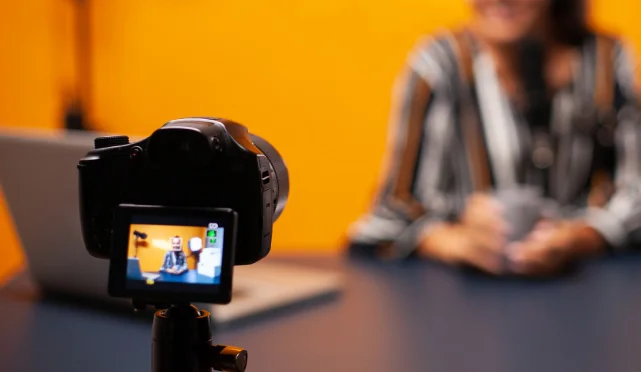
Modern lectures move quickly, pack multiple concepts into a single session, and often assume prior knowledge that many learners are still forming. When a student tries to listen, understand, think critically, and write notes at the same time, something is always lost. A lecture recording app removes this pressure by acting as a second memory for students by giving them the opportunity to be present in the moment, listen with intention, and trust that nothing important disappears forever.
When students know a lecture is being recorded, they stop recording every lecture and start listening to the real meaning in context. Since understanding often comes hours or days later, when a student reviews material at their own pace. A video lecture recording app allows pause, rewind, and repetition, which are impossible in a live classroom. This leads to better questions, deeper focus, and stronger connections between ideas. It is a great way of learning that improves not because more information is captured, but because attention is used more wisely during class.
How Do You Evaluate the Best Lecture Recording Apps?
The choice for the best lecture recording app begins with understanding what problem you are trying to sort out rather than thinking of the apps having the most features. Some students need accurate transcripts, while others need handwritten notes synced with audio, and some simply want reliable recordings without distractions.
- The first evaluation point is recording quality and reliability. A lecture recorder must capture clear audio and video even in large rooms, handle long sessions without crashing, and save files automatically, so nothing is lost when a class ends unexpectedly.
- Now recording alone is not enough if replaying the lecture becomes time-consuming or confusing. Apps that offer timestamps, searchable transcripts, or synced notes reduce the effort required to find key ideas during revision. ReHear does the best job out of all when it comes to transforming passive recordings into active study material.
- The best lecture recorder apps fit naturally into how you already study. If you prefer typing and organizing content, apps like OneNote work well. If you learn visually and write by hand, GoodNotes makes even more sense for users wanting polished recordings or reusable learning content.
- Now some apps are ideal for quick recordings but become difficult to manage after weeks of accumulated files. Apps that offer cloud sync, cross-device access, and structured organization help you build a reusable knowledge archive rather than a cluttered folder of audio files.
- Affordability, platform support, and privacy controls should be evaluated, once you get a grip over understanding the learning effectiveness. It is no good to choose the cheapest or most feature-packed app if it does not make learning easier, faster, or more reliable.
What are the Best Video Lecture Recorder Apps?
Capturing everything being said during your lecture is not enough. The pressure is real, especially when you get to face those. Most students dread long lectures because they can’t write fast enough to capture everything, and even the thought of replaying hours of audio is exhausting. These are the standout lecture recorder apps from your list, each solving different aspects of the problem in its own way.
1. ReHear
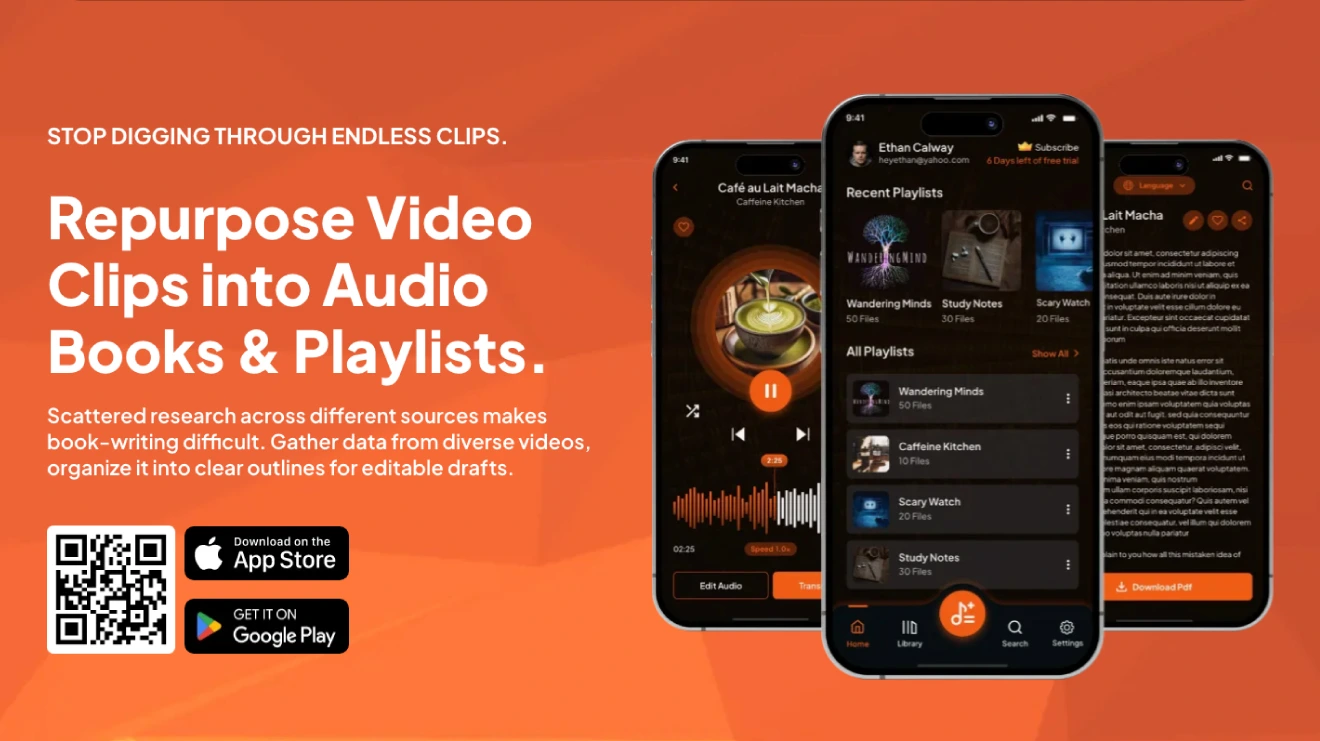
ReHear help students focus on understanding rather than screen-watching. It represents a modern shift in how students consume lectures by converting long video lecture recordings into audio-focused content.
- Change your recorded video into audio and searchable text. You can later convert that text into summaries, articles, blogs, and reports.
- Get rid of unnecessary parts, join important sections together, and bookmark key moments.
- Rename, reorder, or rearrange audio files and keep everything organized.
- Convert and organize multiple videos at the same time, saving hours of manual work.
- Find what you need by instantly typing a word or phrase. Search across audio files, transcripts, and playlists without replaying long recordings.
- Get transcripts in multiple languages, so learning never slows down.
2. Otter
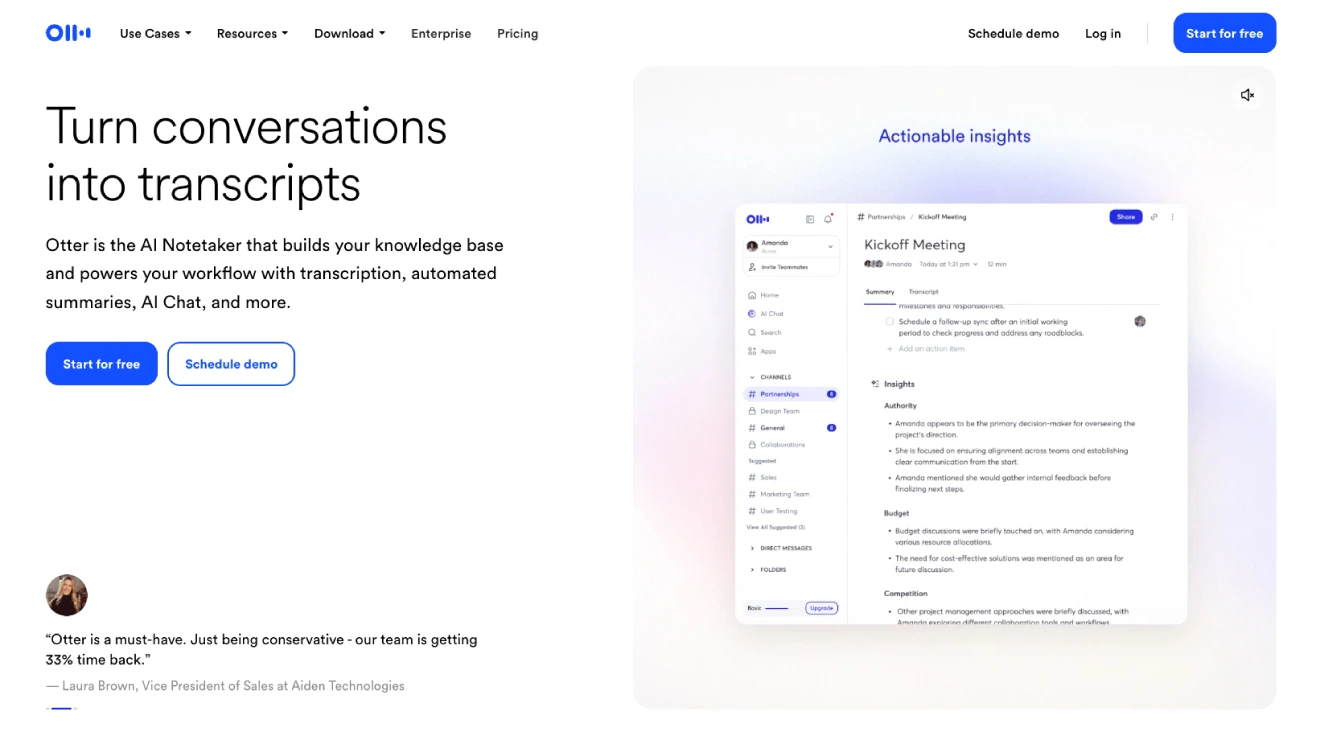
Otte is a smart way of listening lectures and converting speech into text without writing everything down fast. It reduces note-taking pressure during lectures and allows you to review concepts quickly by searching for keywords instead of replaying entire recordings.
- It transcribes in real time, so you see words appear on screen as the teacher speaks.
- It spots different speakers, like the professor versus a student asking a question.
- It makes automatic summaries and pulls out key points, so you do not have to listen to the whole recording again.
- You can search for the text easily. All you have to do is type a word and it takes you to that part.
- It works with online classes like Zoom and has a free plan with plenty of minutes for most students.
- The app is great for sharing notes with friends or studying later.
3. GoodNotes
GoodNotes is a popular note-taking app for iPad users. The app is more suitable for handwritten learners who annotate slides and diagrams while recording audio that stays linked to specific pages. It lets you handwrite notes with a stylus and record audio at the same time.
- You record sound while writing and later tap on your notes to hear exactly what was said at that moment.
- It has a replay feature that shows your handwriting to appear again as the audio plays.
- It turns your handwriting into typed text you can search for.
- Recording keeps going even if you switch to another app quickly.
- Some versions now include transcription of the audio. You won’t find that in the free plan.
- Best if you like drawing diagrams or writing by hand. The interface does feel like real paper.
4. Rev
Rev has a free voice recorder app on your phone, but its strength lies in super accurate transcription. It is better suited for correct transcription required especially for technical or research-based lectures.
- Record high-quality audio easily, making it best for lectures or interviews.
- You pay only per minute. You won’t be charged on a monthly basis.
- Good for noisy rooms or when accents make auto-transcription difficult.
- The built-in editor lets you read along as the lecture plays, make corrections, and highlight important points.
- Your recordings and transcripts stay accessible on phone and desktop, making studying flexible.
- You can search your transcript for words or phrases and jump to that moment in the lecture.
HitPaw Univd stands out with unrestricted, full-length conversions, lightning-fast batch processing but gets hold down due to paid plans.
5. Maestra
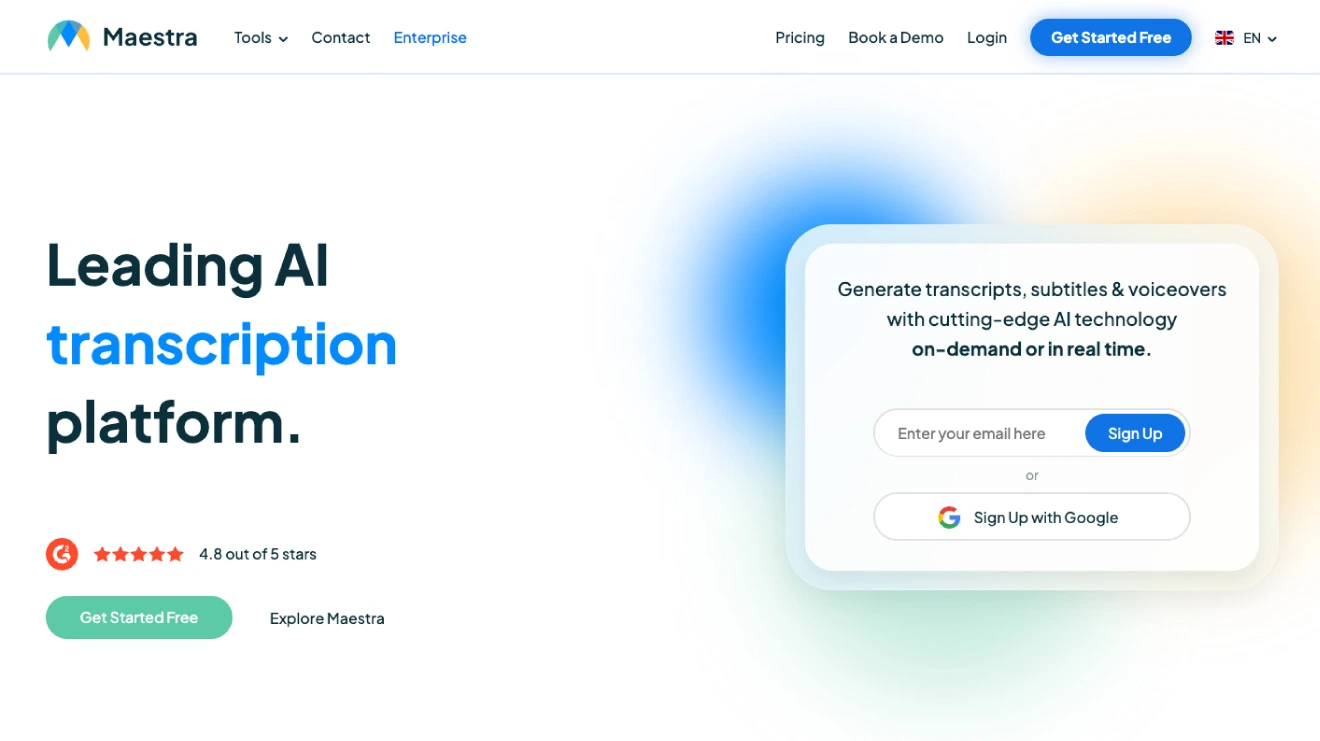
Maestra is a focused-on transcription, subtitles, and handling many languages. It is useful for international students or multilingual lectures. Your video does not remain passive, and you get to control, review, and study effectively.
- It transcribes audio or video quickly in over 125 languages.
- Offers real-time transcription as things happen.
- Makes subtitles, translates text, and even dubs voices in other languages.
- Handles accents and background noise.
- You can edit transcripts easily and share them.
- Best if your class is not in English or you need captions for videos.
6. Camtasia
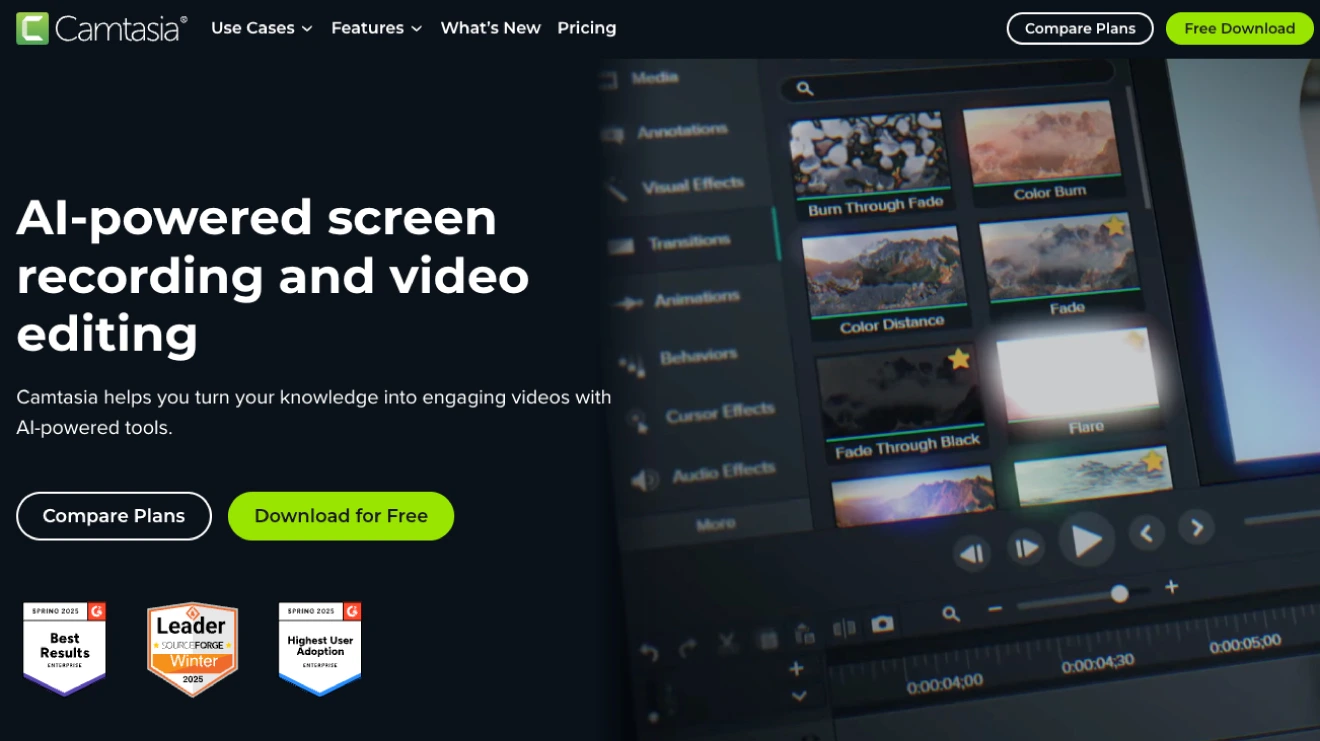
Camtasia is a professional grade-screen recording software. It is more for creating edited videos than simple notetaking. You get to record your camera, system audio, and microphone on separate tracks. This makes it perfect for lectures with sliders or demos.
- Records your computer screen, webcam, and microphone. You get flexibility with editing features.
- Has strong editing tools to cut parts, add text, zoom in, or fix audio.
- You can add captions automatically or manually.
- Exports clean video files to watch later or share.
- Costs money (one-time buy or subscription) and takes time to learn.
- Great if you want professional-looking recordings, but overkill for just audio notes.
Which Lecture Recording App Should You Pick?
Learning has always been about capturing knowledge in a way that we can revisit and understand later. Online video lectures have now become the norm, but they are often long, fast, and hard to follow. Most lectures do not require constant visual attention. What matters most is the explanation, the emphasis in the instructor’s voice, and the flow of ideas.
Apps like ReHear appeal to users who value playback intelligence and structured reviews. It flips the usual recording habit by making it a passive process which many students are now finding effective. Don’t wait until exam week to wish you had better notes? Make your learning potential fast with ReHear. Download the app and walk into your next lecture prepared.