


Most video files hold more than just moving images. Buried inside every MP4 is an audio track that often carries the real value. As people spend less time watching screens and more time listening while doing other things, converting MP4 to MP3 has become a practical norm rather than a technical adjustment.
An MP4 to MP3 converter lets you turn long talks into something you can listen to while commuting, transforming video interviews into podcast-style audio, or saving important explanations in a format that works anywhere. Pulling out just the audio makes them lighter, easier to revisit, and simpler to use. This process does not shrink content down instead it makes it more usable in many different moments.
This read explores why this conversion happens, when it makes sense to use it, and how the right MP4 to MP3 converter can alter the entire course.
Everyday Reasons People Convert Video to Audio
Most people don’t wake up planning to “convert formats.” They just run into friction. A video is valuable, but it’s heavy, distracting, or inconvenient. Audio removes that friction. Someone watches a live performance online and wants just that version of the song while exercising. Someone attends a webinar and realizes the insights matter more than the slides. A student records lectures but only has time to listen later. These aren’t edge cases. They’re normal situations where video is too much, and audio is exactly enough. The moment you realize you don’t need the screen anymore is the moment MP3 starts making sense.
What Makes MP3 Audio More Compatible than MP4 Video?
Audio files are lighter, simpler, and more forgiving. They don’t drain batteries the same way. They don’t demand your eyes. They work when your hands are busy and your attention is split. That’s why audio has quietly become one of the most portable forms of information we have.
For personal use, this means building your own library from content you already trust. Old family videos can become voice memories. Long video essays can turn into podcast-style listening. Even casual clips gain a second life when they’re freed from visuals. The real shift happens when you stop seeing conversion as a technical step and start seeing it as a way to reshape how content fits into your routine.
What Are the Best MP4 to MP3 Converters Available
When it comes to choosing the best MP4 to MP3 converters, options range from free online tools to robust desktop software, each offering varying levels of speed, quality, and features.
The are some of the best MP4 to MP3 converters that converts video into audio:
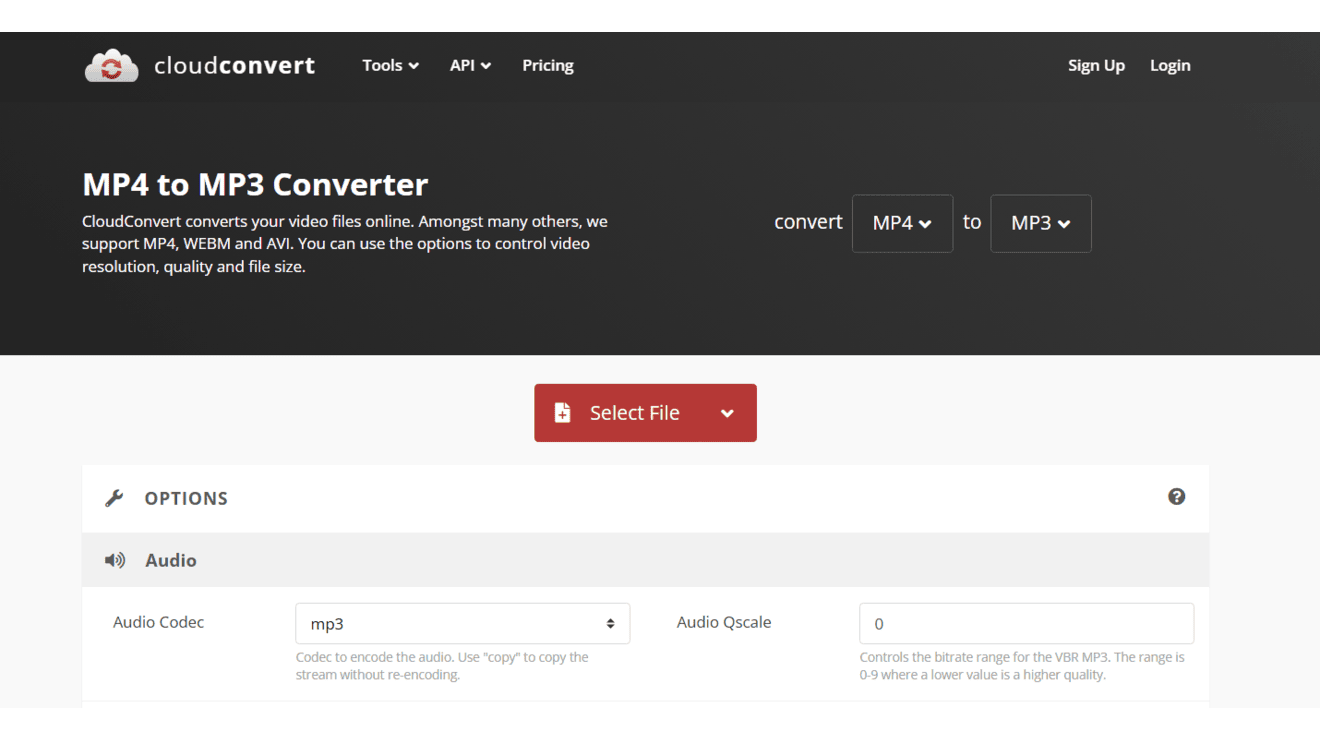
1. CloudConvert
Features:
- Super easy to use with a clean interface that lets you tweak audio settings like bitrate, volume, and sample rate for better sound control.
- Supports tons of formats beyond just MP4 to MP3, and you can upload from cloud storage like Google Drive or Dropbox without extra hassle.
- Handles batch conversions smoothly and keeps your files private by deleting them automatically after a short time.
Drawbacks:
- Free users hit daily limits on how many minutes of conversion you can do, so heavy users might get stuck mid-project.
- File size caps in the free plan mean really big videos take longer or need a paid upgrade.
- Needs a steady internet connection, and uploads can slow down if your wifi isn’t strong.
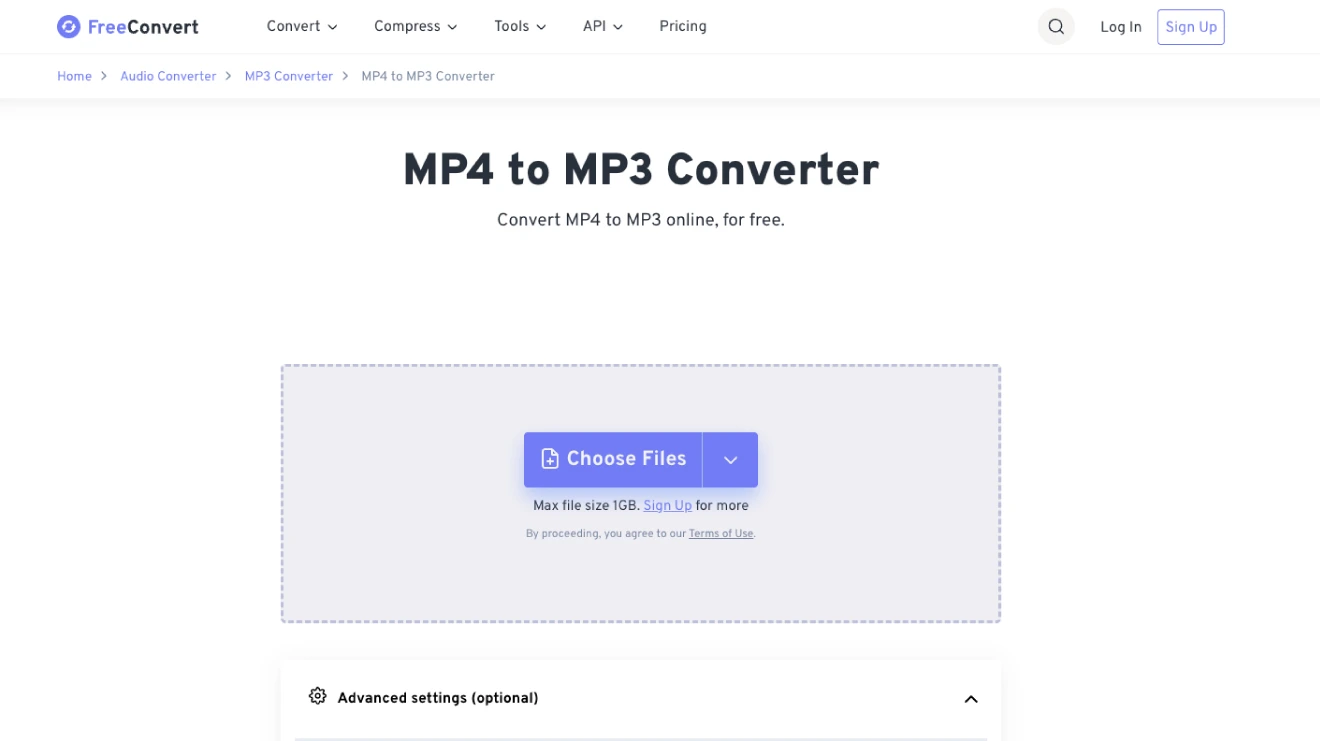
2. FreeConvert
Features:
- Generous 1GB file size limit lets you handle big MP4 videos without splitting them first.
- Simple drag-and-drop setup with options to adjust bitrate, trim clips, or add fade effects for custom audio touches.
- Requires zero sign-up and protects files with encryption while promising high-quality output every time.
Drawbacks:
- Pops up ads during use, which can feel annoying when you’re in a rush.
- Free version caps you with limited conversions per day if you do a lot at once.
- Relies fully on your browser, so slower internet means longer waits for uploads and processing.
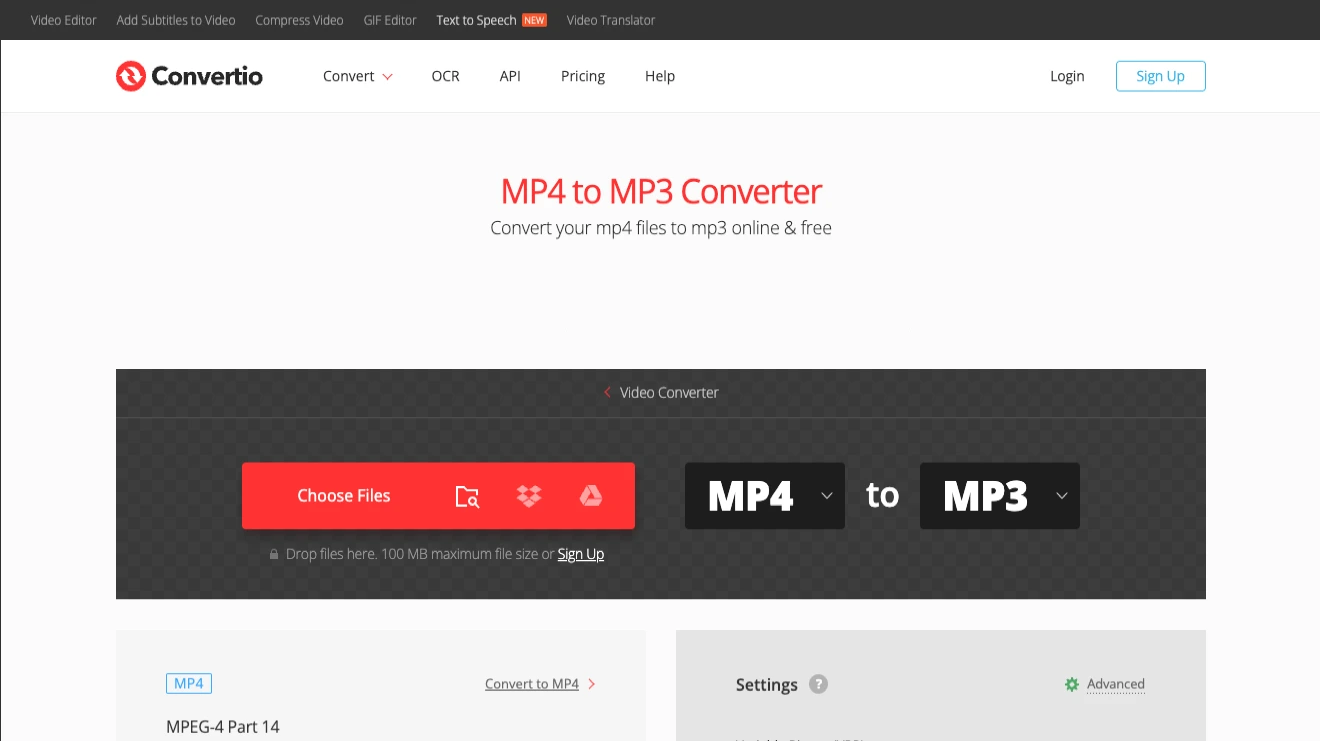
3. Convertio
Features:
- Clean, ad-free interface that feels smooth, with links to cloud storage for quick grabs from Drive or Dropbox.
- Lets you fine-tune settings like bitrate, channels, and volume, plus trim parts of the video before converting.
- Supports over 300 formats and deletes files after 24 hours for solid privacy peace of mind.
Drawbacks:
- Free plan limits files to about 100MB, so larger videos force you to pay or chop them up.
- Daily conversion caps can add fast if you’re doing multiple files in one go.
- Everything happens online, meaning spotty internet can interrupt or slow the whole process.
4. Zamzar
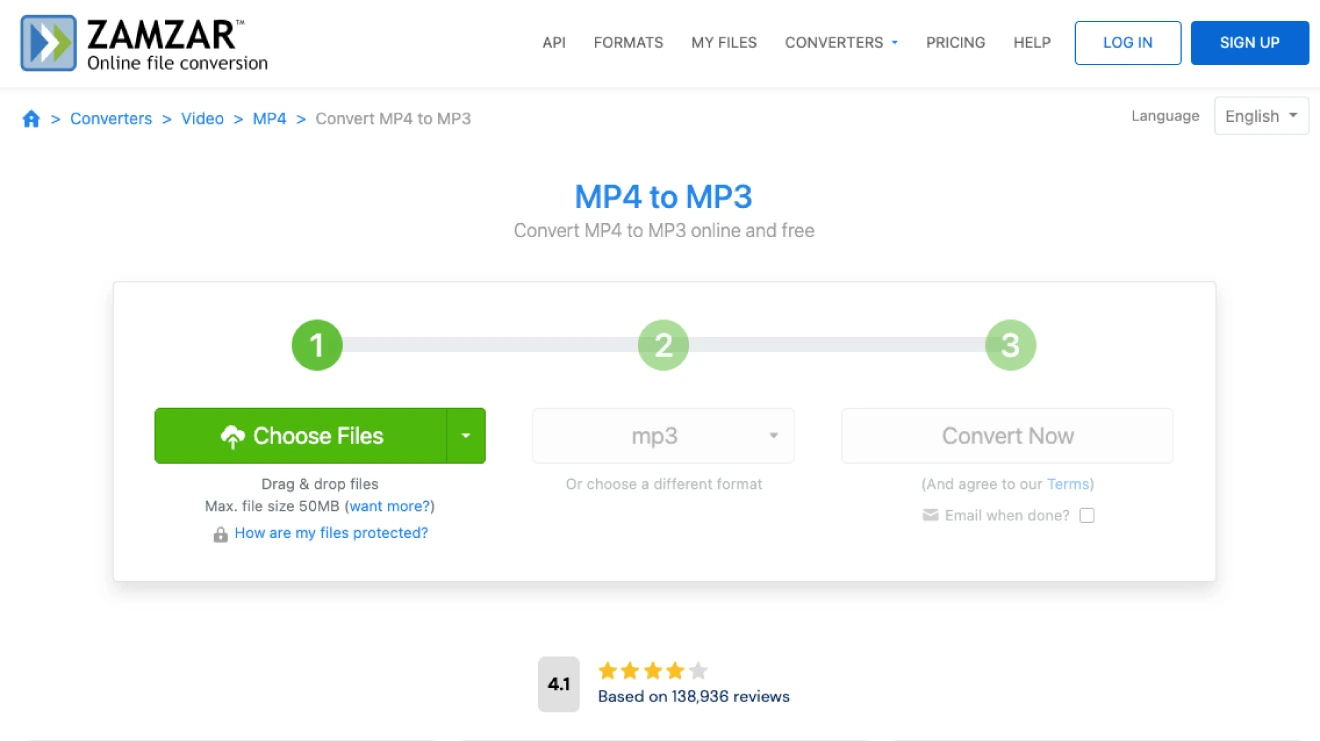
Features:
- Dead-simple three-step process: upload, pick MP3, and get a download link (or email) without any fuss.
- Handles over 1,200 formats total, making it handy for all kinds of files beyond just video audio.
- No software install needed, and it sends finished files straight to your email for easy access on any device.
Drawbacks:
- Free limit tops out at 50MB per file, which rules out bigger videos right away.
- Only a couple of free conversions per day before it pushes you toward paid plans.
- Download links expire after 24 hours, so you have to grab files quick or risk redoing the job.
5. ReHear
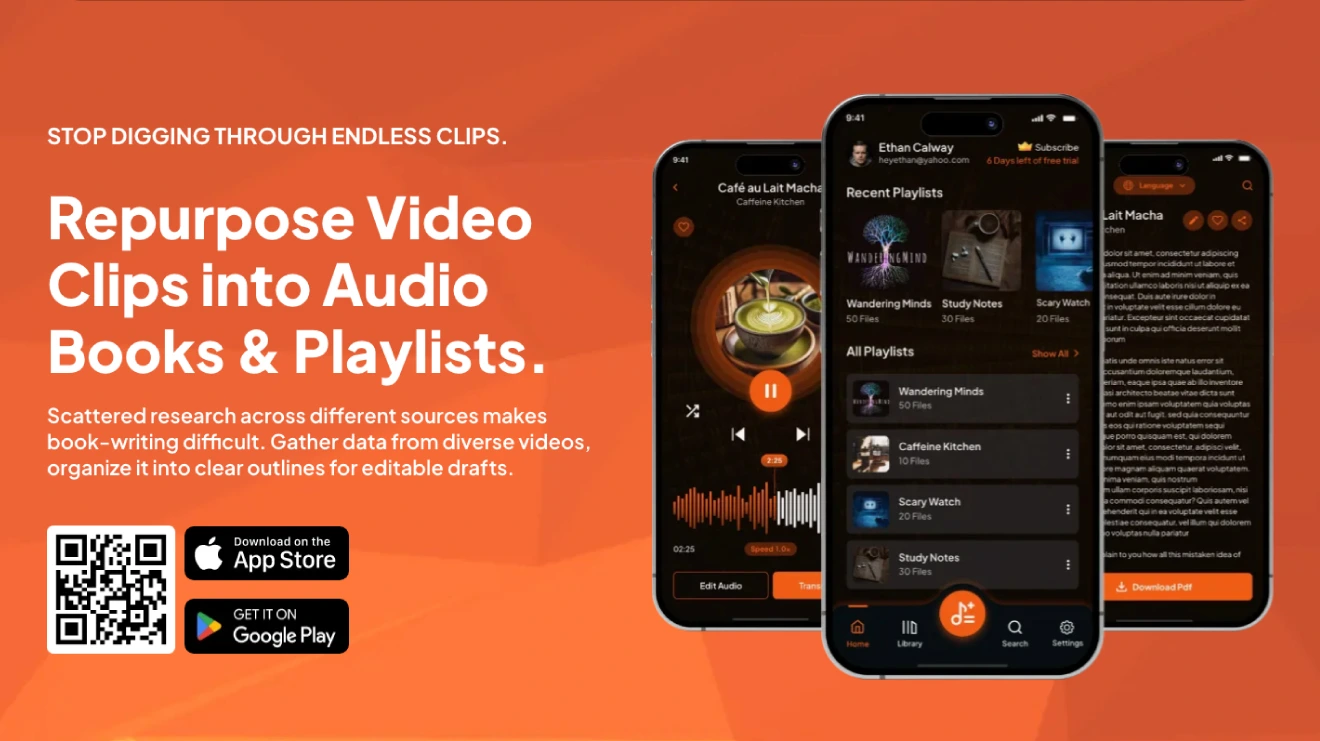
Features:
- Runs as an app, making quick conversions feel effortless.
- Extracts audio fast while keeping quality decent and pushes users into trying different things through its additional features.
- Different from those side tools found on web browsers, it easily handles super complicated huge files quite reliably.
- Totally free with no limits mentioned, perfect for pulling sound from videos on the fly.
- Gives zero quality dip while compressing MP4 files into MP3.
Drawbacks:
- Lacks deep tweaking options like bitrate or trimming compared to fuller-featured tools.
Wrapping up
There are hundreds of MP4 to MP3 converter tools out there because the demand for pulling clean audio from videos just keeps growing year after year. People record podcasts as video for better quality, grab music from YouTube clips, turn lectures or meetings into listen-on-the-go files, or simply want smaller files for their phones without the video weight.
Once you decide to convert MP4 to MP3, the next question isn’t “how,” but “with what and that’s where most people hit a split. The desktop software looks reliable for anyone who does this often or works with bigger files. App versions let you convert offline super-fast by handling huge batches without limits, tweaking settings for perfect sound quality, and keeping everything private.
The catch is you download and install them upfront and avail addition features with both free and paid versions.